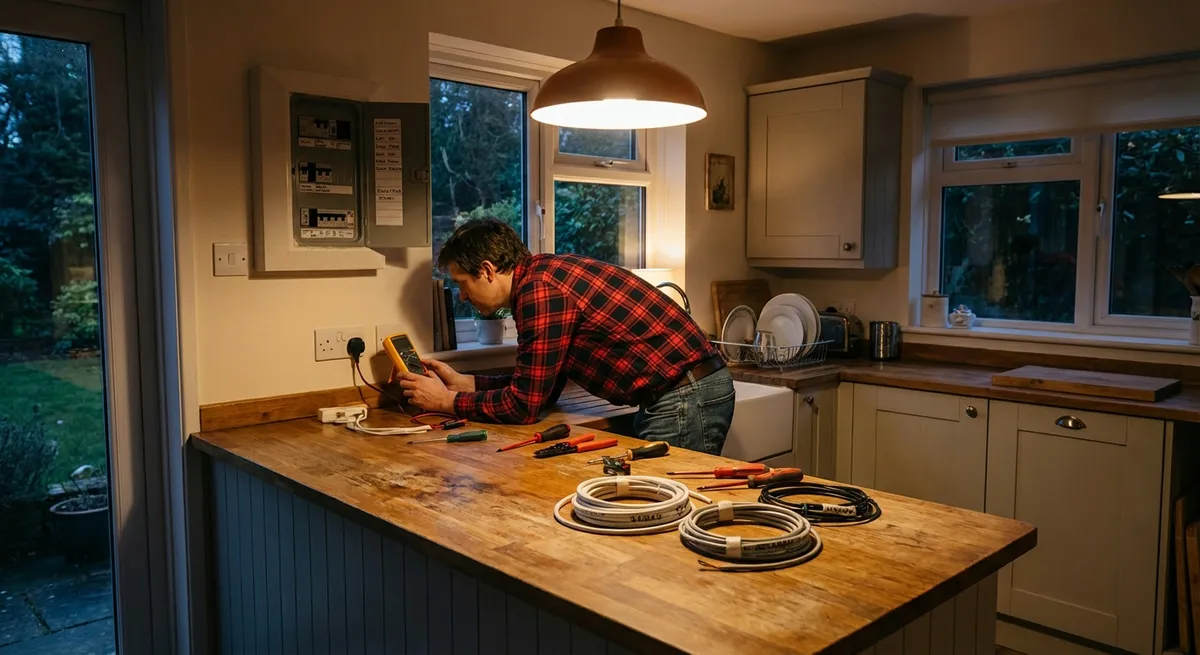
A digital multimeter is one of the most powerful tools a DIYer can own—but a lot of people leave it in the drawer because it looks intimidating. Once you understand a few basics, that little device lets you safely troubleshoot outlets, switches, appliances, and low-voltage projects so you’re not guessing what’s wrong. This guide walks you through practical, step-by-step ways to use a multimeter around the house without getting overwhelmed.
Know Your Multimeter Before You Touch a Wire
A multimeter measures three main things: voltage (V), resistance (Ω), and current (A). For most home DIY work, you’ll mainly use voltage and resistance.
The dial on the front selects what you’re measuring, and the display shows the reading. The black lead usually stays in the COM (common) port. The red lead moves between ports depending on what you’re measuring (voltage/resistance vs. higher current). Always check the user manual for the specific layout of your model because port labeling can differ slightly.
Before using it around house wiring, practice on low-risk tasks: checking a battery, testing a phone charger, or measuring resistance on a spare light bulb. This gives you a feel for inserting the probes, reading the display, and changing modes—without any shock risk.
If your multimeter has a continuity mode (often marked with a soundwave or diode symbol), that’s extremely handy for checking whether something is electrically “connected” from point A to B. It usually beeps when there is a complete path. This is safer and faster than guessing if a wire or switch is good.
Safety First: Ground Rules for Home Electrical Testing
Electricity can injure or kill if handled carelessly, so set some non-negotiable rules before you begin. For any test where you’re opening boxes, touching screw terminals, or moving wires, turn off the power at the breaker and verify it’s off with your multimeter or a simple non-contact tester. Never trust a switch alone.
Use only a multimeter rated for household voltages (look for CAT II or CAT III ratings and at least 600 V). Inspect your leads for cracks, exposed wire, or loose fittings—replace damaged leads rather than taping them. Work with dry hands and dry floors, and avoid kneeling on concrete without an insulating mat.
Never let the metal probe tips touch each other when they’re both in contact with a live circuit; that can cause arcing or shorting. Only hold the insulated parts of the probes. If anything feels uncertain, stop and read the manual or consult an electrician. A multimeter helps you work more safely, but it doesn’t replace basic electrical knowledge or local code requirements.
Finally, know your limits. Troubleshooting a dead outlet or a misbehaving light fixture is realistic for many DIYers. Rewiring panels, main feeds, or aluminum wiring is typically a licensed electrician job.
Step 1: Confirm Power at an Outlet Before You Start Work
Before you disassemble fixtures or swap parts, it makes sense to confirm whether your outlet actually has power. This avoids guessing and helps you decide whether the issue is with the device or the circuit.
How to measure AC voltage at a wall outlet:
- Set the multimeter: Turn the dial to AC voltage (often labeled “V~” or just “V” with a wavy line). Choose a range above 120 V if your meter isn’t auto-ranging.
- Plug in the leads: Black lead in COM, red lead in the V/Ω port. Confirm they’re fully seated.
- Carefully test the outlet: Hold the probes by the insulated handles. Insert the black probe into the smaller slot or the neutral slot (depending on your country’s plug style) and the red probe into the larger slot/hot slot. Do not touch the metal tips.
- Read the display: In North America, a healthy 120 V outlet usually reads between about 110–125 V AC. In many other countries, you’ll see ~220–240 V.
- Check hot-to-ground (if present): Move the black probe to the round ground hole while keeping the red on the hot slot. You should get nearly the same reading. If you get proper voltage hot-to-neutral but not hot-to-ground, you may have a grounding issue best handled by an electrician.
If you see “0” or a very low reading between hot and neutral, the circuit may be off at the breaker, the outlet may be wired incorrectly, or something upstream (like a tripped GFCI) is cutting power.
Step 2: Use Continuity to Track Down a Dead Lamp or Cord
A lamp that won’t turn on isn’t always a wiring problem in the wall. Many times it’s a bad bulb, a damaged cord, or a worn-out switch. Continuity testing lets you quickly check whether electricity can travel through those parts.
How to test a lamp or extension cord with continuity (power OFF only):
- Unplug everything: Ensure the lamp or cord is completely unplugged. Never do continuity testing on a live circuit.
- Set the meter to continuity or resistance: Continuity mode is ideal (it beeps when there’s a complete path). If your meter doesn’t have continuity, use the lowest resistance (Ω) setting.
- Test your meter first: Touch the two probes together. The meter should beep (continuity) or show near 0 Ω, confirming it’s working.
Check the cord path:
- For an extension cord, place one probe on one flat blade of the plug and the other probe on the corresponding slot at the far end. You should get continuity (beep/low resistance). - Repeat for the other flat blade to its matching slot, and if there’s a ground pin, test that as well.
Check a lamp switch and socket:
- Remove the bulb. - Place one probe on the brass tab at the bottom of the socket and the other on the hot blade of the plug. Toggle the switch. You should get continuity only when the switch is ON. - No continuity when ON could mean a failed switch or internal break.
If a cord or lamp fails these tests, replacing that component is usually safer and more cost-effective than trying to repair internal wiring unless you’re experienced and following relevant safety guidelines.
Step 3: Verify Light Switches and Fixtures Before Replacing Them
Before you replace a switch or blame a fixture, use your multimeter to figure out where the problem really is. This can save you from buying unnecessary parts or repeatedly flipping breakers.
How to test a standard light switch (with power off):
- Shut off the breaker: Confirm the power is off using your multimeter in voltage mode or a non-contact tester at the switch.
- Remove the switch cover and pull out the switch: Keep wires attached but accessible. Note which wires go where or take a picture for reference.
- Set to continuity or low resistance: With the power confirmed off, switch your multimeter from voltage to continuity (or Ω).
Test the switch terminals:
- Place one probe on each of the two main screw terminals (for a simple single-pole switch). - Flip the switch ON and OFF. - In the ON position, it should show continuity (beep/low resistance). In the OFF position, it should show open circuit (no beep/high resistance).
Interpret the result:
- If the switch never shows continuity in the ON position, it’s likely bad. - If the switch behaves correctly, the issue may be in the fixture, wiring connections, or neutral.
To test a ceiling light or fixture: with power off, you can check continuity through the fixture (from the hot lead to the socket tab with the switch ON, for example) to see if there’s an internal break. For live voltage testing at the fixture, only proceed if you’re confident and can keep your hands clear of bare metal while the power is on.
Step 4: Check Batteries and Small Electronics Before Tossing Them
A basic use for a multimeter is seeing whether batteries are truly dead and whether small electronics are getting the right voltage. This is useful for flashlights, remotes, battery-powered tools, and low-voltage projects like doorbells.
How to quickly test batteries:
- Set the multimeter to DC voltage: Look for “V⎓” or a solid line with a dashed line under it.
- Choose an appropriate range: For common household batteries, a 2 V or 20 V DC range works well. Many meters are auto-ranging and handle this automatically.
- Place the probes: Red on the positive (+) end, black on the negative (-) end.
Read the result:
- AA/AAA/C/D alkaline: rated at 1.5 V. New or good batteries usually read around 1.5–1.6 V. Anything below about 1.1–1.2 V is often considered weak or near dead under load. - 9 V battery: a healthy one reads close to 9 V; under about 7.5–8 V it’s typically weak. 5. Check small adapters or chargers: For a phone or device charger, plug it into the wall and set the meter to DC voltage. Put the probes on the output terminals (like inside a barrel connector or on USB breakout leads if you have an adapter) and compare to the rated output printed on the charger. A significant mismatch can indicate a failing adapter.
Testing saves you from tossing good batteries or chasing “mystery” issues that are really just low power.
Step 5: Confirm a Circuit Is Truly Off Before You Touch It
One of the most practical uses of a multimeter is verifying that power is off before you start a repair—whether that’s changing a light fixture, swapping an outlet, or opening a junction box. This is the habit that prevents accidental shocks.
How to safely confirm no voltage is present:
- Turn off the breaker you believe controls the circuit: Label it if possible for future reference.
- Set the meter to AC voltage: Use a range above your household voltage (120 V or 240 V typically).
- Test a known live outlet first: Before trusting your multimeter, place the probes in a known working outlet to confirm the meter is reading correctly. This is your “known-good” reference.
Check the target circuit:
- Carefully touch one probe to the hot conductor or terminal and the other to neutral or ground in the box or fixture you plan to work on. - You should see “0” or a very low stray voltage reading. 5. Test multiple points: Check between hot and neutral, hot and ground, and if accessible, the neutral to ground (which should read close to 0 in most residential systems). If anything reads close to full line voltage, the circuit is not safe to work on. 6. Keep the power off while you work: Do not turn the breaker back on until everything is secured, covers are installed, and tools and hands are clear.
This extra testing step takes less than a minute and dramatically reduces risk. It also builds your awareness of how circuits are actually wired in your home.
Conclusion
A multimeter doesn’t need to be complicated to be useful. If you can confidently measure outlet voltage, check continuity in cords and switches, test batteries, and verify circuits are off before working, you’ve already unlocked most of what typical DIYers need. Start with low-risk tests, read your meter’s manual, and develop the habit of checking—rather than guessing—what’s going on in your electrical system. Over time, you’ll troubleshoot faster, avoid unnecessary replacements, and work more safely on every home project.
Sources
- U.S. Consumer Product Safety Commission – Home Electrical Safety Checklist - Practical safety guidelines for working around household electricity
- Occupational Safety and Health Administration (OSHA) – Working with Electricity - Essential electrical safety concepts and best practices
- Fluke – How to Use a Multimeter - Detailed manufacturer guidance and diagrams on multimeter functions
- Lowe’s – What Is a Multimeter and How to Use It - DIY-focused overview of basic multimeter use cases around the home
- Electrical Safety Foundation International (ESFI) – Home Electrical Safety - Background on residential electrical hazards and prevention tips
Key Takeaway
The most important thing to remember from this article is that this information can change how you think about Tools & Equipment.