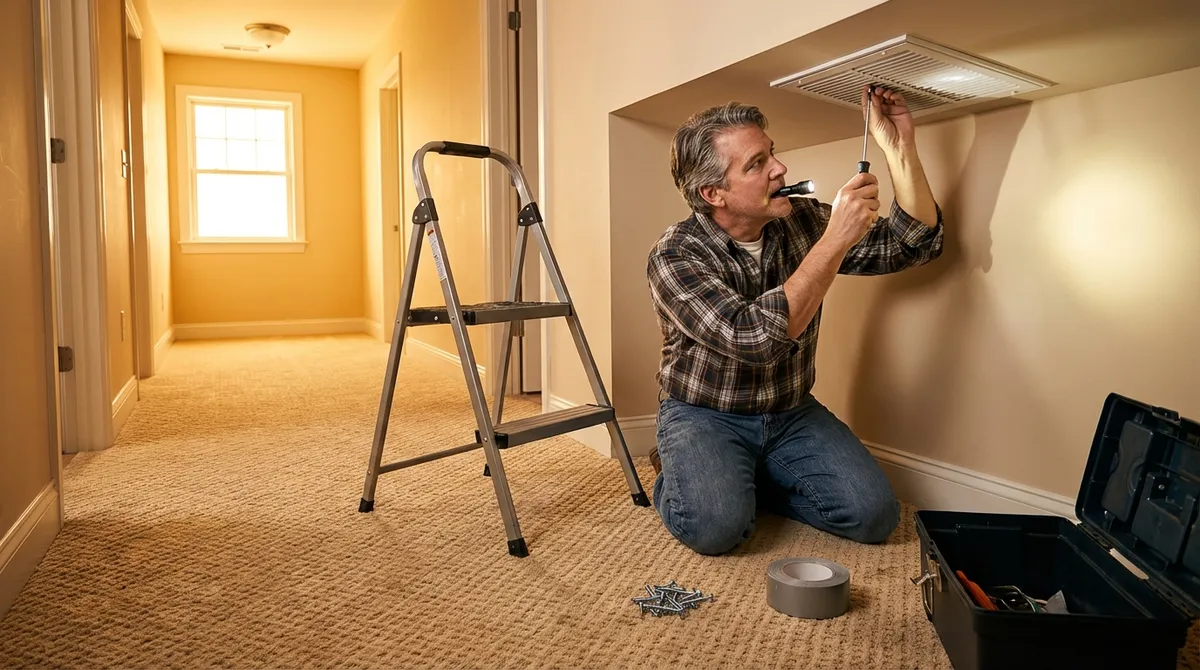
Noisy HVAC vents can make your home sound like an airplane cabin—rattling, whistling, and humming every time the system kicks on. The good news: many of these noises come from simple issues you can fix yourself with a screwdriver and a bit of patience. This guide walks you through practical, low-risk steps to quiet those vents so your home feels more comfortable and less chaotic.
Step 1: Diagnose What Kind of Noise You’re Hearing
Before you grab tools, figure out what you’re dealing with. Different sounds usually point to different problems.
Start by standing near the noisy vent while your heat or AC is running. Listen carefully to identify the type of sound:
- Rattling or buzzing often means loose screws, a wobbly vent cover, or duct sections vibrating against framing.
- Whistling usually comes from air being forced through a vent that’s too small, partially blocked, or badly sealed.
- Humming or droning may be metal sheets vibrating or air pressure pushing too hard against the vent or duct joints.
Change the fan speed at your thermostat (if you have that option) or adjust the vent damper (the little lever on the vent). If the noise changes when you:
- Open or close the vent, it’s likely airflow-related or a loose damper.
- Turn the system fan from Auto to On, persistent noise could be duct or vent vibration.
Make a quick note: which vents are loudest, what sound they make, and when it happens (heat only, AC only, fan only). This helps you target the right fix instead of guessing.
Step 2: Tighten and Stabilize the Vent Cover
Loose vent covers are one of the most common—and easiest—sources of noise to fix.
Turn off your HVAC system at the thermostat so air isn’t blowing while you work. Use a screwdriver to remove the vent cover. Check for:
- Stripped or missing screws: If screws spin without tightening, replace them with slightly longer or wider ones of the same type. If a screw hole is worn out, you can:
- Insert a wooden toothpick or small wood sliver into the hole, then reinsert the screw to give it something to grip.
- Use a drywall anchor if the vent is mounted in drywall rather than wood.
- Bent or warped vent covers: If the metal is badly bent and won’t sit flat, it may be worth replacing the cover entirely. A warped cover can vibrate loudly even when “tight.”
To reduce vibration:
- Clean the wall, floor, or ceiling surface around the vent opening with a damp cloth.
- Apply thin self-adhesive foam weatherstripping or felt pads along the underside edge of the vent cover where it meets the surface.
- Reinstall the vent cover and snug the screws tight—firm, but not so tight that you bend the metal.
Turn the system back on and listen. A surprising amount of rattling stops just from securing the cover and adding a soft buffer.
Step 3: Clear Obstructions and Improve Airflow
Restricted airflow doesn’t just make vents noisy—it can stress your HVAC system and waste energy.
Start with the basics:
- Move furniture and rugs away from floor registers. Keep at least 12 inches (30 cm) of clearance so air can move freely.
- Clean the vent grilles: Dust and debris can whistle and vibrate as air passes.
- Use a vacuum with a brush attachment to remove dust from the vent face.
- If removable, take the cover off and wash it in warm soapy water, then dry completely before reinstalling.
Look into the duct opening with a flashlight:
- Remove visible debris near the opening—pet hair, toys, construction scraps—using a vacuum hose. Don’t reach too far with your hand; use tools or the vacuum instead.
- Check for any partially closed dampers (small metal flaps inside some vents, controlled by the lever on the cover). A half-closed damper can cause whistling or a rushing sound.
- Try opening the damper fully to see if the noise decreases.
- If you need some airflow control, adjust slightly instead of fully closing any single vent.
Also check your air filter at the main return:
- A clogged filter makes your blower work harder and can increase noise at supply vents.
- If the filter looks gray, dusty, or clogged, replace it with the correct size and type recommended by your HVAC system.
Improving airflow often reduces whistling and “whooshing” without any complex repair work.
Step 4: Seal Small Gaps and Vibrating Duct Connections
If the vent cover is quiet but you still hear rattling or a light buzzing from the vent area, the noise may be coming from the ductwork just behind it.
With the system off, remove the vent cover again and look inside with a flashlight:
- Inspect where the metal duct connects to the wall, floor, or ceiling framing. You’re looking for:
- Small gaps around the duct edge
- Loose metal joints close enough to see or reach
- Spots where metal duct is touching wood, drywall, or another duct, which can cause vibration
For small, accessible issues:
Seal thin gaps and air leaks:
- Use UL-listed foil HVAC tape (not ordinary cloth “duct tape,” which dries out and fails). - Press the tape firmly over small gaps where you feel air leaking or see daylight.
Stabilize metal-to-wood contact:
- If a duct edge is rattling against framing, add a thin strip of foam weatherstripping or rubber padding between them where you can reach. - For light metal noise, even a small piece of felt or foam taped in place can stop the vibration.
If you see large gaps, very loose joints, or flexible duct that looks crushed or disconnected, that’s beyond a simple DIY patch. In those cases:
- Note the location and type of duct.
- Consider calling a licensed HVAC contractor, especially if you’re losing a lot of air or hearing loud banging (known as “duct oil-canning”).
But for minor leaks and vibrations near the vent opening, sealing and padding is usually safe, quick, and effective.
Step 5: Adjust Fan Settings and Know When to Call a Pro
If tightening, cleaning, and sealing haven’t fully solved the noise problem, you may be dealing with system-level issues like high static pressure, undersized ducts, or a failing blower motor. You can still make a few low-risk adjustments before deciding on professional help.
At the thermostat:
- If your thermostat allows fan speed adjustments or comfort settings (sometimes found in advanced menus), try:
- Setting the fan to a lower speed if available. Lower speed can reduce noise but may slightly change how quickly rooms heat or cool.
- Try switching the fan mode from On (runs constantly) to Auto (runs only when heating or cooling). Constant fan operation can make marginal noise issues more obvious.
Pay attention to patterns:
- If only one or two vents are noisy and others are quiet, the problem is probably local (that vent or branch duct).
- If all vents are loud, especially after changing to a new system or after duct changes, the blower may be too powerful for the existing ductwork—this is a design issue, not a minor repair.
It’s time to call a professional HVAC tech if you notice:
- Loud banging, clanging, or metal “popping” sounds (beyond occasional normal expansion).
- Burning smells, strong electrical odors, or visible sparks.
- Very weak airflow at multiple vents, combined with high noise.
- Vents or ducts that are visibly crushed, disconnected, or heavily rusted.
A pro can measure static pressure, inspect blower components, and recommend changes like adding return vents, resizing ducts, or adjusting blower speed at the equipment level—things that aren’t safe or practical for most DIYers.
Conclusion
A noisy HVAC vent doesn’t automatically mean an expensive repair. In many homes, rattling, whistling, and humming come from loose covers, blocked airflow, and small duct vibrations—issues you can safely handle with a screwdriver, foam tape, and a bit of careful observation.
By diagnosing the type of noise, tightening and padding vent covers, clearing obstructions, sealing small gaps, and making smart fan setting adjustments, you can often restore quiet without touching any high-risk components. And if you do uncover a bigger system problem, you’ll be better informed when you bring in a professional.
A quieter vent means a more comfortable, less stressful home—and one less reason to dread when the heat or AC turns on.
Sources
- U.S. Department of Energy – Heating & Cooling - Overview of HVAC systems, airflow, and efficiency considerations
- Energy Star – Air Ducts - Guidance on duct leakage, sealing methods, and comfort issues
- HVAC.com – Common HVAC Noises Explained - Descriptions of typical HVAC noises and likely causes
- The Spruce – How to Clean Vent Covers - Step-by-step cleaning tips for registers and grilles
- ASHRAE (American Society of Heating, Refrigerating and Air-Conditioning Engineers) - Technical resources and best practices for HVAC design and performance
Key Takeaway
The most important thing to remember from this article is that following these steps can lead to great results.