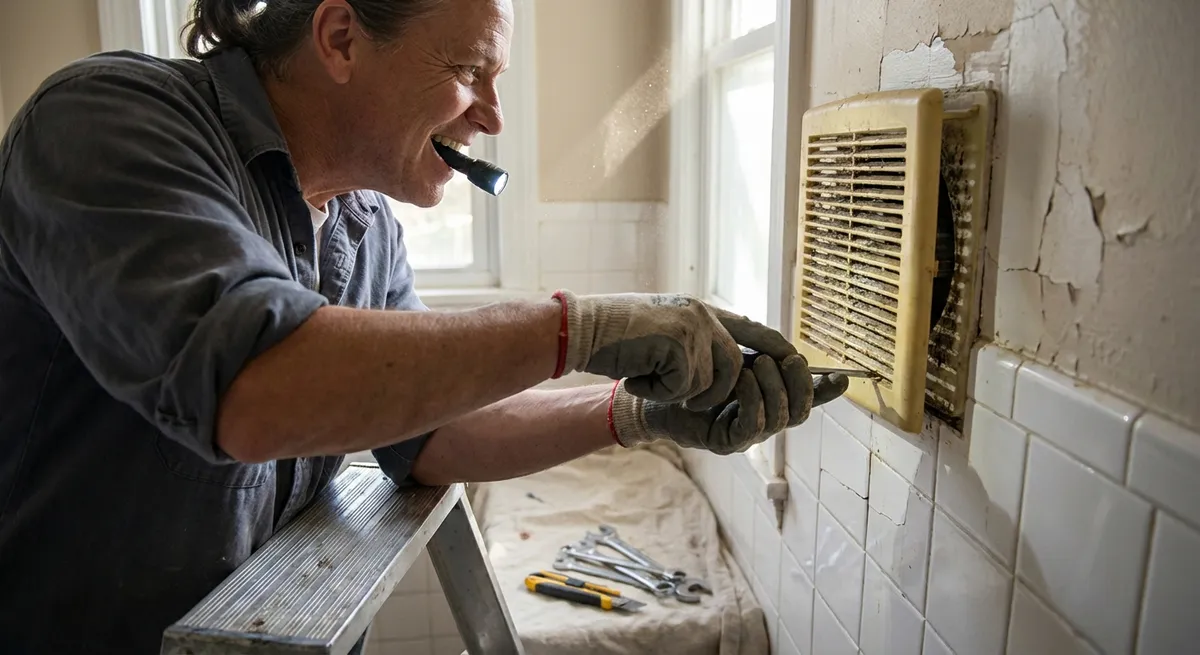
A noisy, weak bathroom fan is more than just annoying—it can leave your mirrors foggy, trap moisture, and eventually lead to mold or peeling paint. The good news: you can usually fix the most common bathroom fan problems in a single afternoon with basic tools. This guide walks you through diagnosing the issue, cleaning and tightening, improving airflow, and knowing when to replace the fan. Follow the five steps below to get a quieter fan that actually clears steam.
Step 1: Diagnose What’s Really Wrong
Before you grab a screwdriver, pay attention to what the fan is doing (or not doing). Turn it on and listen carefully. A loud grinding or rattling often means something is loose or dirty. A humming motor that doesn’t spin points to a stuck or failing motor. Weak suction even when the fan is running might indicate a vent or duct issue instead of an electrical problem.
Check how well the fan pulls air by holding a square of toilet paper up to the grille. If it barely holds or falls, your fan isn’t exhausting properly. Look for visible dirt on the grille and around the edges—dust buildup is extremely common and can cut performance dramatically. Also note the fan’s age; most standard fans are ready for replacement after 10–15 years of regular use. The clearer your diagnosis, the less time you’ll waste chasing the wrong fix.
Step 2: Turn Off Power and Remove the Cover Safely
Safety comes first. Go to your breaker panel and switch off the circuit that powers the bathroom fan (often the same circuit as the lights). Don’t rely only on the wall switch. Confirm the power is off by turning the fan switch on and off—you shouldn’t hear anything. If the fan shares a circuit with lights, make sure the lights go out too.
Next, remove the fan cover (grille). Most covers are held in place by two spring clips. Gently pull the cover straight down; you’ll see the metal springs on each side. Squeeze them together to release the cover from the fan housing. Set the cover aside on a towel or soft surface so it doesn’t get scratched. If your fan cover is screwed in, simply remove the screws with a screwdriver and keep them in a small cup so they don’t get lost. Work slowly; older plastic covers can be brittle.
Step 3: Deep-Clean Dust, Debris, and Fan Blades
With the cover off, you’ll probably see how much dust the fan has collected over time. Start by vacuuming the visible dust using a brush attachment. Gently clean the motor housing, fan blades or impeller, and the inside of the fan box. Hold the vacuum nozzle close but don’t force it into tight spaces where it could damage wires or parts.
Remove the fan assembly if your model allows it. Usually, this means unplugging a small motor connector and removing a screw or two that hold the assembly in place. Once out, use a small paintbrush, old toothbrush, or soft brush to loosen stubborn dust from the blades and motor housing. Wipe surfaces with a slightly damp cloth; avoid getting the motor itself wet. Clean the grille or cover in warm, soapy water, rinse, and let it dry completely. A thorough cleaning alone often reduces noise and noticeably improves airflow.
Step 4: Tighten, Lubricate (If Allowed), and Improve Airflow
After cleaning, inspect all visible screws and mounting brackets. Tighten any that feel loose; vibration from a loose fan assembly is a common cause of rattling. Check that the fan housing is firmly attached to the ceiling framing and not wiggling when lightly pushed. If it moves, tighten mounting screws carefully without overtightening and stripping them.
Some older fan motors allow light lubrication at designated points; many newer sealed motors do not. Check your fan’s manual or look up the model number online before adding any lubricant. If lubrication is allowed, use a light machine oil sparingly on the specified spots, then spin the fan by hand to distribute it. Next, check the duct connection at the fan housing. Make sure the duct is securely attached, not kinked, and that any backdraft damper can swing freely. A stuck damper or collapsed duct can make even a strong fan seem weak and noisy.
Step 5: Test, Upgrade if Needed, and Use the Fan Smarter
Reinstall the fan assembly if you removed it, plug any connectors back in, and snap or screw the cover into place once it’s dry. Restore power at the breaker and turn the fan on. Listen for changes: it should sound smoother, with less rattling or grinding. Repeat the toilet paper test at the grille to check suction; the paper should hold firmly in place. If the fan is still excessively noisy, or you notice the motor hesitating, it may be time for a replacement unit.
When upgrading, look for a fan sized correctly for your bathroom (measured in CFM—cubic feet per minute). As a rough guide, many experts recommend about 1 CFM per square foot of bathroom floor area, with a minimum of 50 CFM for small baths. Also pay attention to the sound rating (sone rating); lower numbers mean quieter operation. Once your fan is working well, use it efficiently: turn it on during showers and leave it running for 15–20 minutes afterward to clear moisture. This simple habit, combined with a clean and properly installed fan, helps protect your paint, drywall, and framing from long-term moisture damage.
Conclusion
Fixing a noisy, weak bathroom fan is one of those small home repairs that pays off quickly. With basic tools and a bit of careful work, you can remove years of dust, quiet down rattles, and restore proper airflow without hiring a pro. If cleaning and tightening don’t solve the problem, replacing the fan with a properly sized, quieter model can still be a manageable DIY project. A reliable exhaust fan keeps your bathroom more comfortable today—and helps prevent bigger, more expensive moisture problems down the road.
Sources
- [U.S. Department of Energy – Bathroom Fans](https://www.energy.gov/energysaver/bathroom-fans) - Explains why bathroom ventilation matters and basic fan considerations
- [Home Ventilating Institute – Sizing and Selecting Ventilation Fans](https://www.hvi.org/resources/publications/sizing-and-selecting-ventilation-fans/) - Provides guidance on choosing the right CFM and noise level for bathroom fans
- [This Old House – How to Install a Bathroom Exhaust Fan](https://www.thisoldhouse.com/bathrooms/21015007/how-to-install-a-bathroom-exhaust-fan) - Offers practical details on fan installation and replacement techniques
- [Family Handyman – Fix a Noisy Bathroom Fan](https://www.familyhandyman.com/project/fix-a-noisy-bathroom-fan/) - Step-by-step instructions and troubleshooting tips for noisy fans
- [Mayo Clinic – Mold Exposure and Health](https://www.mayoclinic.org/diseases-conditions/mold-allergy/symptoms-causes/syc-20351550) - Explains health concerns related to mold, emphasizing the importance of good bathroom ventilation
Key Takeaway
The most important thing to remember from this article is that following these steps can lead to great results.